
Virtuelle Karten für Unternehmen.
Grenzenlose Flexibilität mit virtuellen All-in-One-Karten.
Stärken Sie Ihr globales Geschäft mit der virtuellen Bivial-Debit-Geschäftskarte. Stellen Sie unbegrenzt virtuelle Karten in Sekunden aus, verfolgen Sie Transaktionen in Echtzeit und bezahlen Sie weltweit mit Apple Pay, Google Pay oder Ihrem bevorzugten Digital Wallet. Vereinfachen Sie jede Geschäftszahlung und gewinnen Sie mehr Kontrolle, Flexibilität und Sicherheit im Ausgabemanagement.
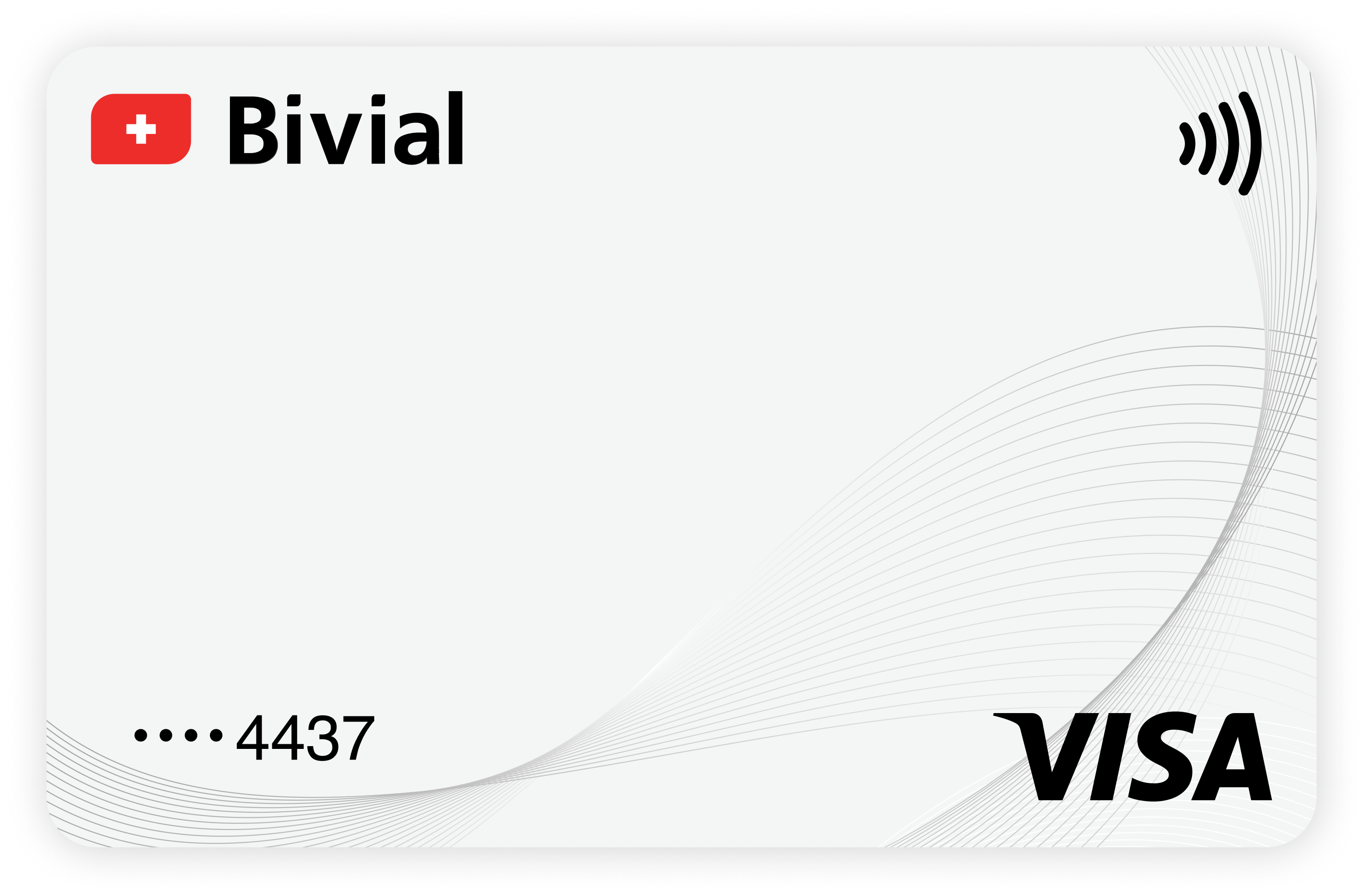
Was sind virtuelle Karten?
Eine virtuelle Firmenkarte ist eine moderne Lösung zur Optimierung Ihrer Geschäftsausgaben. Sie ähnelt einer klassischen Plastikkarte, bietet jedoch mehrere einzigartige Vorteile:
✔️ Unbegrenzte Kartenausgabe in Sekunden. Voraussetzung ist lediglich ein verknüpftes IBAN-Konto.
✔️ Unkomplizierte Verwaltung. Alle Zahlungen und Informationen sind im Bivial Dashboard verfügbar.
✔️ Zusätzliche Sicherheit. Virtuelle Karten lassen sich bei Verdacht auf Betrug oder unautorisierte Transaktionen umgehend sperren.

Überall und jederzeit bezahlen.
Komfortable Verwaltung.
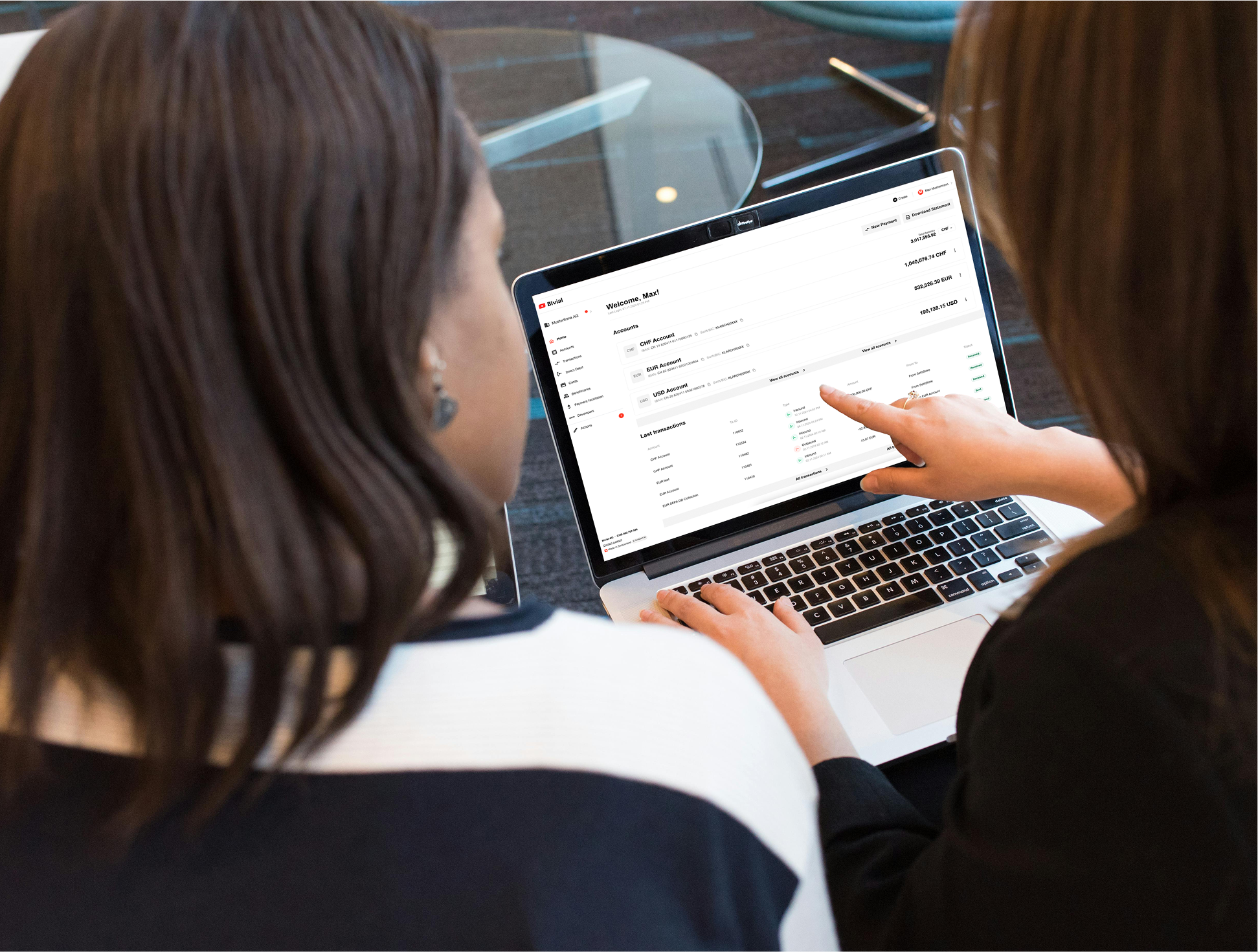
Die virtuelle Bivial-Karte ist für moderne Unternehmen konzipiert, die Wert auf Transparenz legen. Jede Aktivität ist in Echtzeit über das Bivial Dashboard oder direkt über APIs sichtbar.
Globale Abdeckung.
Nutzen Sie Ihre virtuelle Visa-Karte für Einkäufe und Zahlungen weltweit. Bivial-Karten unterstützen Transaktionen in mehreren Währungen.
Mühelose kontaktlose Zahlungen.
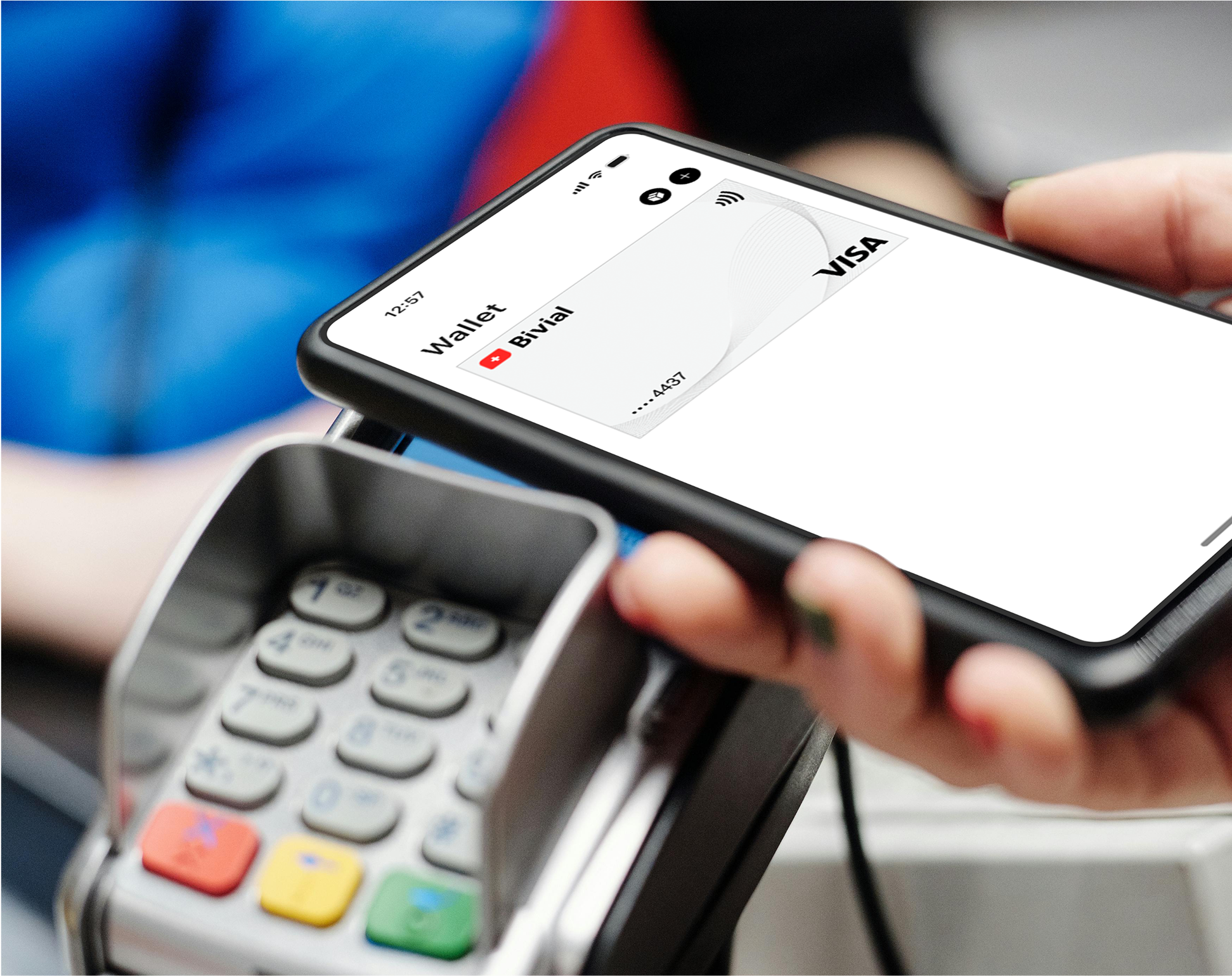
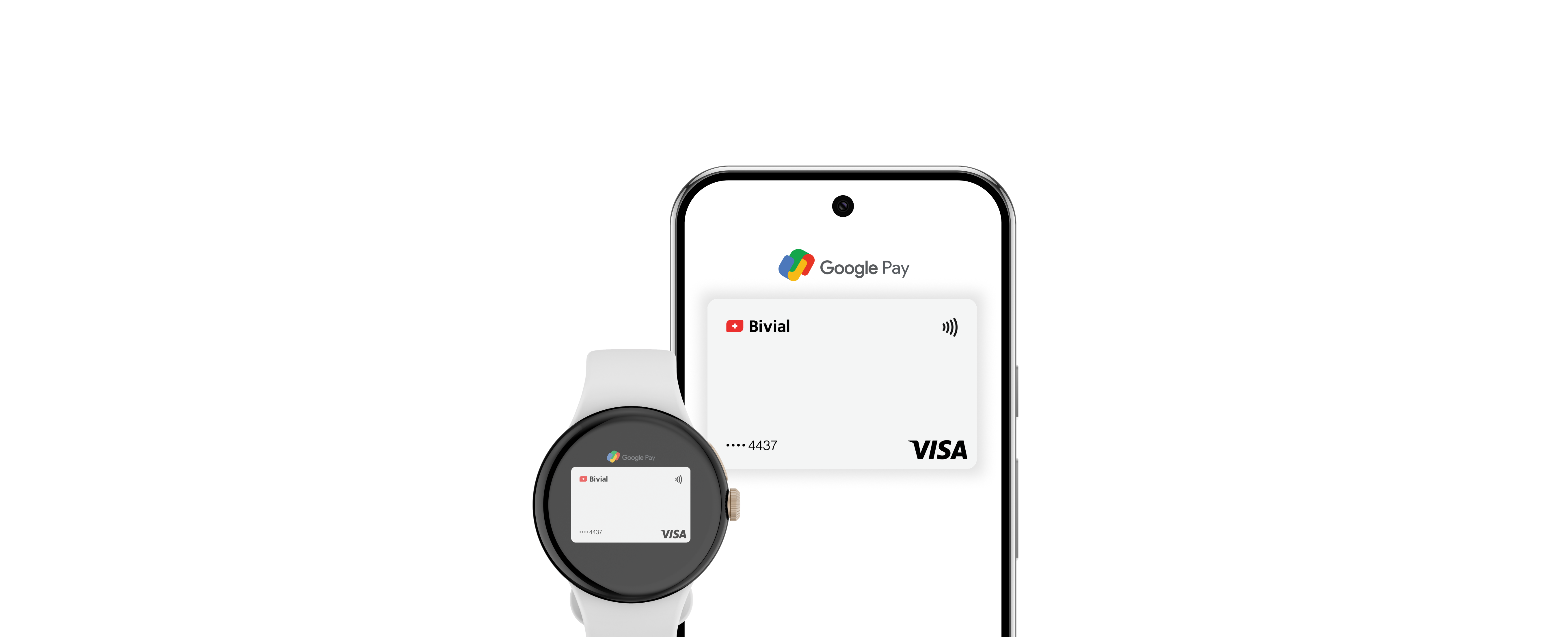
Kontaktlose Zahlungen waren noch nie einfacher – die Karte lässt sich mit Apple Pay oder Google Pay verknüpfen.
Unbegrenzte Kartenausgabe in Sekunden.
Stellen Sie so viele Karten aus, wie Ihr Unternehmen benötigt. Erstellen Sie individuelle Karten für Teammitglieder oder Projekte – alle verknüpft mit Ihrem EUR- oder USD-IBAN. Überwachen Sie Ausgaben, sperren oder kündigen Sie Karten in Sekunden.

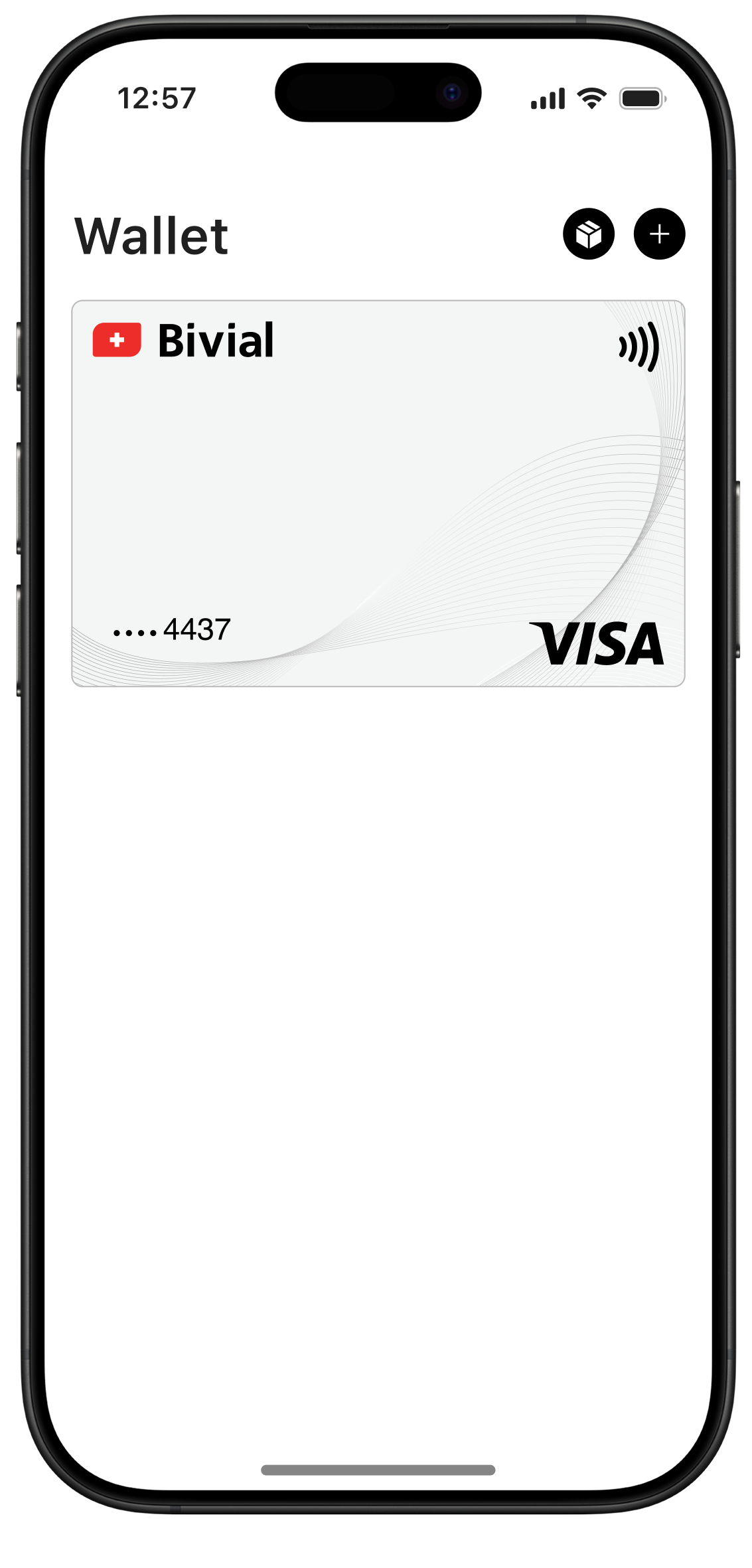
Fügen Sie Ihre virtuelle Bivial-Karte zur Apple Wallet hinzu und bezahlen Sie mit wenigen Klicks per iPhone, iPad oder Apple Watch. Dieses Zahlsystem wird im Internet und an jedem kontaktlosen Terminal weitläufig akzeptiert.
Ihre Privatsphäre und Sicherheit bleiben dabei jederzeit geschützt – jede Transaktion wird mit Face ID oder Touch ID verifiziert. Ihre Kartendaten bleiben privat: Sie werden weder an Händler weitergegeben noch auf Ihrem Gerät gespeichert.
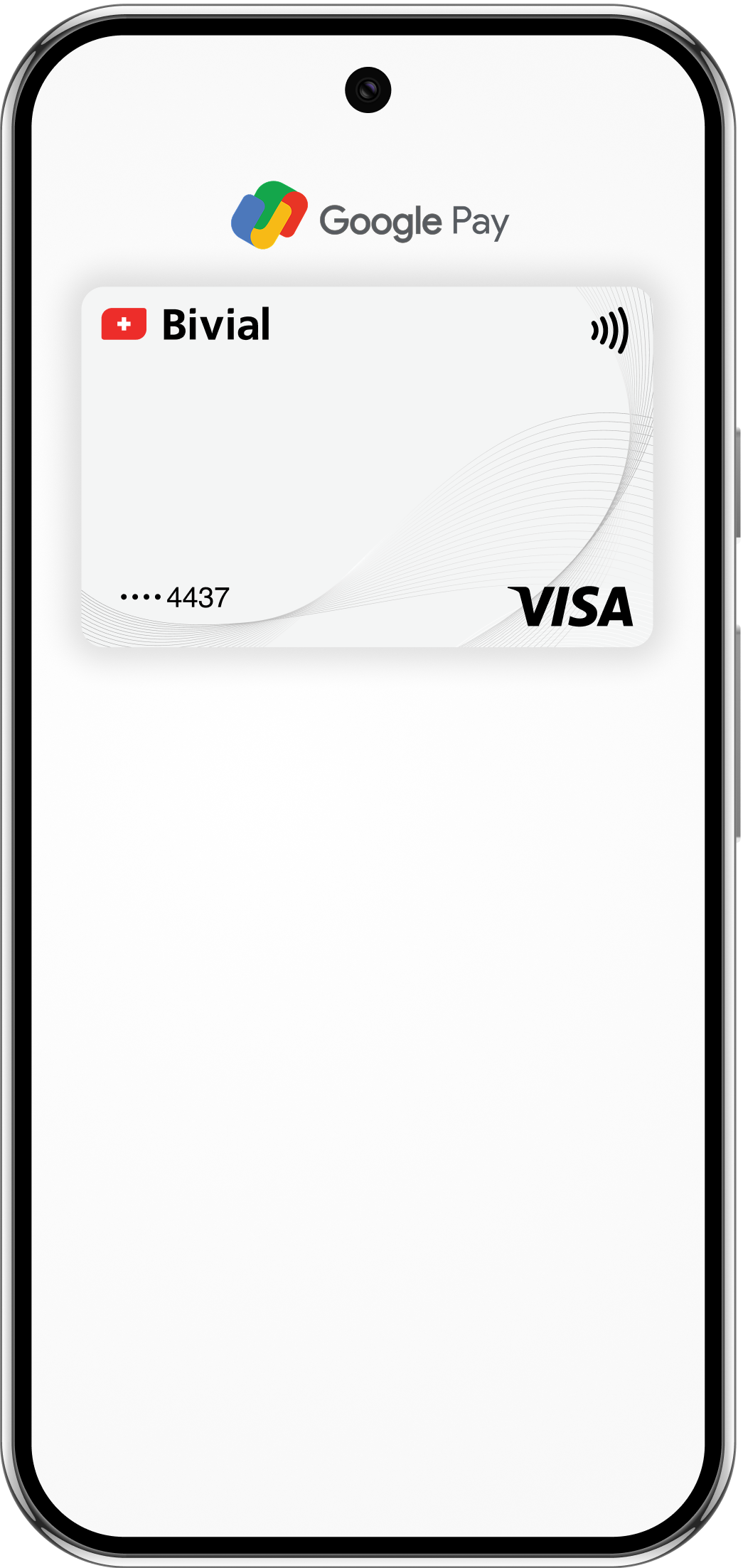

Eine weitere Möglichkeit, im Laden und online kontaktlos zu bezahlen, bietet Google Pay. Durch Verschlüsselung und Face-ID-Login schützt das System Ihre Daten vor Betrug und unautorisierten Transaktionen.
So erhalten Sie eine virtuelle Karte.
Beantragen Sie ein Bivial-Geschäftskonto.
Reichen Sie Ihren Antrag online über das Formular ein – ohne Filialbesuch. Für den Abschluss des Onboardings ist eine kurze Video-Verifizierung erforderlich.
Loggen Sie sich in Ihr Bivial Dashboard ein.
Nach der Freigabe erhalten Sie Zugang zu Ihrem sicheren Dashboard, in dem Sie Konten, Zahlungen und Karten verwalten.
Wechseln Sie zum Reiter „Karten“.
Klicken Sie auf „Jetzt starten", um Ihren Antrag zu starten. Geben Sie anschliessend Ihre Angaben ein.
Karten in Sekunden ausstellen.
Nach der Einrichtung erstellen und konfigurieren Sie virtuelle Debitkarten für Ihr Unternehmen in Sekunden. Sie sind direkt einsatzbereit – mit Apple Pay, Google Pay oder online.
Wie Bivial jede Transaktion schützt.
Ihre Sicherheit hat oberste Priorität. Die virtuellen Bivial-Karten für Unternehmen unterliegen strikten regulatorischen Standards, und sensible Daten werden durch verschlüsselte Verbindungen sowie mehrstufige Authentifizierung geschützt. Gelegentlich versuchen Betrüger, Sie zur Preisgabe persönlicher Informationen oder zur Überweisung an Drittkonten zu bewegen. Hier ein paar Hinweise, damit Sie sicher unterwegs sind:
✔️ Behandeln Sie Ihre Kartendaten vertraulich; teilen Sie sie nicht per Telefon oder SMS
✔️ Melden Sie verdächtige Links oder Nachrichten an support@bivial.com
✔️ Loggen Sie sich ausschliesslich über das offizielle Bivial Dashboard ein.
Integrationsmöglichkeiten.
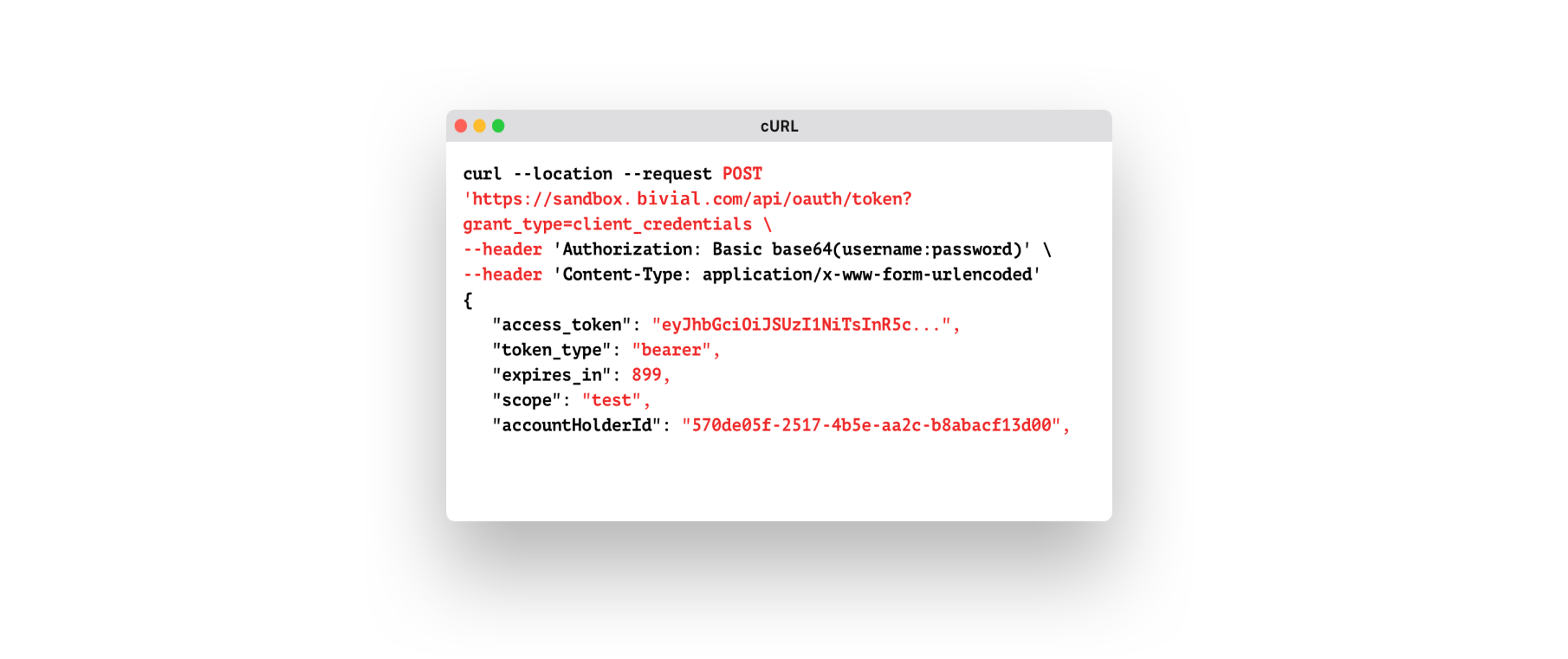
Die virtuellen Karten von Bivial lassen sich nahtlos in bestehende Unternehmenssysteme integrieren. Wählen Sie die Integrationsmethode, die zu Ihrem Geschäftsablauf passt:
✔️ REST-API. Erstellen und verwalten Sie virtuelle Karten in Echtzeit, senden Sie Zahlungsanfragen und verfolgen Sie alle Transaktionen über die Bivial-API. Schneller Zugang zur Zahlungsinfrastruktur bei minimalem manuellem Aufwand.
✔️ SWIFT-Messaging. Lösen Sie Zahlungen über MT- oder MX-Formate nach ISO 20022 aus – kompatibel mit internationalen Systemen.
✔️ Batch-File-Upload. Laden Sie mehrere Zahlungsanweisungen in einer einzigen Datei über das Bivial Dashboard hoch.
Verwandte Artikel.

FAQs.
Was sind virtuelle Karten?
Virtuelle Geschäftskarten haben vieles mit physischen Plastikkarten gemein. Mit ihnen verwalten Sie Geschäftsausgaben und bezahlen Dienstleistungen sowie Abonnements vollständig online, ohne eine Filiale aufsuchen zu müssen. Für die Ausstellung benötigen Sie lediglich ein verknüpftes IBAN-Konto.
Welche Werkzeuge stehen zur Verwaltung meiner virtuellen Visa-Karte zur Verfügung?
Alle Werkzeuge zur Verwaltung Ihrer virtuellen Bivial-Karten und -Gelder stehen online im Bivial Dashboard zur Verfügung. Setzen Sie Limits, überwachen Sie Ausgaben, sperren oder kündigen Sie Karten unmittelbar – alles in einer komfortablen Oberfläche.
Gibt es Ausgabelimiten für meine Bivial-Geschäfts-Debitkarte?
Ja, Sie können bei Bedarf anpassbare hohe Ausgabelimits für Ihre Bivial-Karte festlegen. Für noch mehr Kontrolle können Sie über das Dashboard Transaktionsobergrenzen sowie zeitbasierte Regeln für einzelne Karten oder Nutzer einrichten. So behalten Sie das Budget für jeden Mitarbeiter und jedes Projekt im Griff.
Wo kann ich meine virtuelle Bivial-Geschäftskarte einsetzen?
Unsere virtuelle Debitkarte für Unternehmen ist weltweit einsetzbar – überall dort, wo Visa akzeptiert wird.
Wie schnell kann ich eine virtuelle Geschäftskarte ausstellen?
Sie erstellen und stellen eine neue virtuelle Geschäftskarte in Sekunden über das Bivial Dashboard aus. Voraussetzung ist ein verifiziertes Geschäftskonto mit aktivem IBAN.
Wie integriere ich die virtuellen Karten von Bivial in meine bestehenden Geschäftssysteme und Software?
Bivial bietet flexible Integrationsmöglichkeiten für jedes Unternehmen. Sie können sich per API, SWIFT oder Batch-File-Upload anbinden – die Kartenerstellung, Zahlungsabwicklung und Transaktionsverfolgung lassen sich so einfach direkt aus Ihren Systemen automatisieren. Es ist weder ein komplexer Aufbau noch zusätzliche Entwicklung erforderlich.
Mit welchen Mobile Wallets kann ich meine virtuelle Karte nutzen?
Sie können Ihre virtuelle Visa-Debitkarte mit Apple Pay und Google Pay verwenden.